Automated Accessibility Testing vs Manual Accessibility Testing: 5 Decisive Gaps
Digital Compliance Auditors
Engineering & Audit Desk
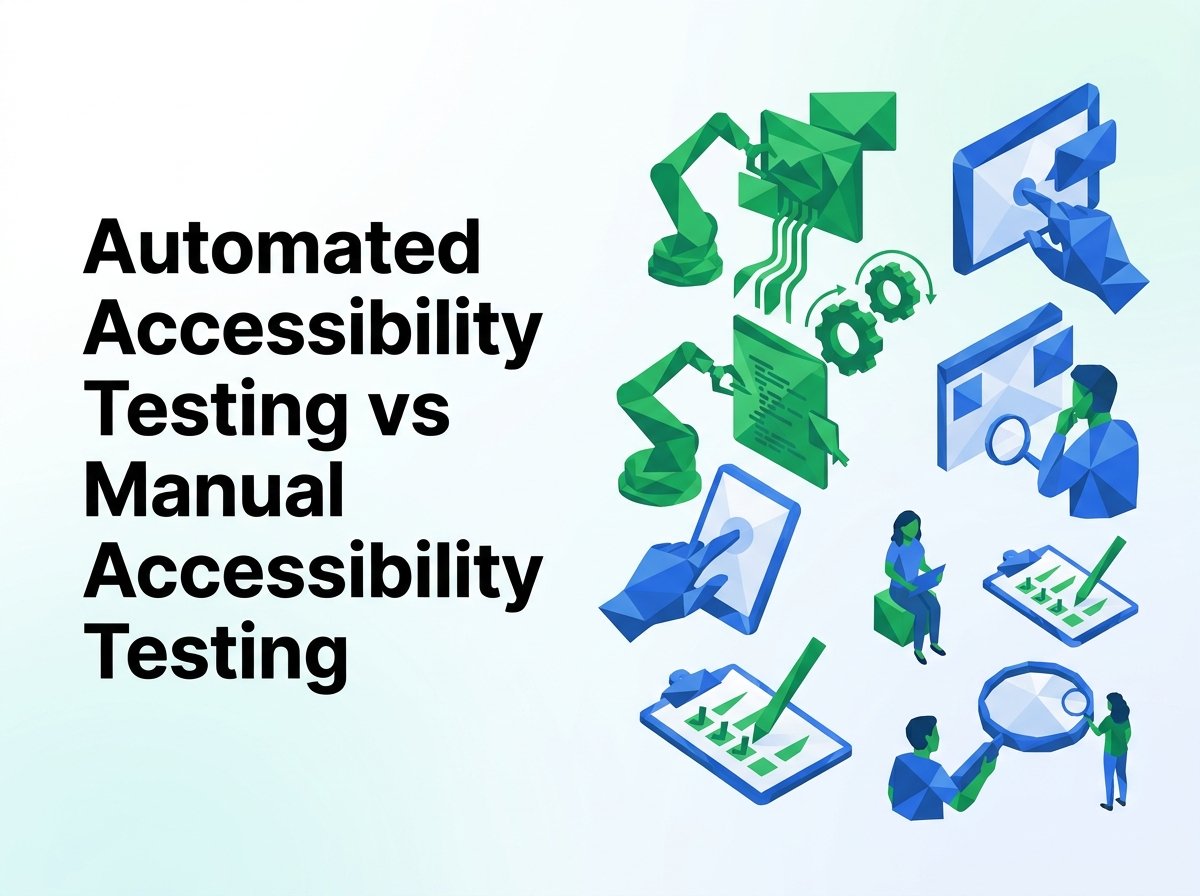
Analyzing automated accessibility testing vs manual accessibility testing reveals significant differences in vulnerability detection, operational accuracy, and legal defense capabilities across modern digital products. As organizations face intensifying regulatory scrutiny under Title III of the Americans with Disabilities Act (ADA) and the European Accessibility Act (EAA), understanding the boundaries of each testing methodology is paramount.
While engineering teams frequently turn to algorithmic crawlers for instantaneous feedback, evaluating automated accessibility testing vs manual accessibility testing demonstrates why automated tools capture less than 40% of WCAG success criteria on dynamic web interfaces.
Understanding the Technical Dichotomy: Algorithms vs Human Judgment
The debate surrounding automated accessibility testing vs manual accessibility testing is often framed as a choice between two competing philosophies. In high-performing software engineering teams, however, these two disciplines fulfill fundamentally complementary roles within the continuous delivery lifecycle.
To understand why a website accessibility testing methodology comparison always recommends a hybrid approach, we must examine what each paradigm is technologically capable of observing within the browser Document Object Model (DOM).
5 Decisive Gaps in Automated Accessibility Testing vs Manual Accessibility Testing
Automated rule libraries (such as axe-core, Pa11y, and Google Lighthouse) parse the DOM tree through deterministic Boolean assertions. When analyzing automated accessibility testing vs manual accessibility testing, five major blind spots emerge where algorithms cannot substitute for certified human testers:
1
1. Contextual Meaning of Non-Text Content (WCAG 1.1.1)
In an automated accessibility testing vs manual accessibility testing evaluation, automated scanners verify whether an <img> element possesses an alt attribute. If an image contains alt="image123.jpg" or alt="logo banner promo photo", the algorithm passes the test with a perfect score. Only manual testing verifies whether the alternative text meaningfully conveys the visual message to a screen reader user.
2
2. Keyboard Navigation Traps and Sequential Focus Flow (WCAG 2.1.1 & 2.1.2)
When contrasting automated accessibility testing vs manual accessibility testing, automated bots cannot simulate the holistic user journey of tabbing through interactive custom modals, accordions, and dropdown menus. If a third-party cookie banner traps keyboard focus in an infinite loop, automated linters will remain oblivious unless a human navigates using standard physical Tab and Shift+Tab keystrokes.
3
3. Dynamic ARIA Live Announcements and State Updates (WCAG 4.1.2 & 4.1.3)
Modern Single Page Applications (SPAs) dynamically fetch data via client-side REST and GraphQL endpoints. In automated accessibility testing vs manual accessibility testing, automated tools cannot discern whether a screen reader actually verbalizes an asynchronous cart update, error toast, or filtering transition. Certified manual auditors test with JAWS and NVDA to confirm speech synthesizers articulate live changes.
4
4. Complex Contrast Over Translucent Gradients and Images (WCAG 1.4.3)
Automated contrast calculators compute CSS hex color math between foreground text and solid background colors. If text sits atop a photographic hero banner, a video player, or CSS backdrop-filter glassmorphism, automated tools fail to calculate contrast or flag erroneous false negatives. Human manual testers employ color sampling tools across varied viewport sizes to measure real-world visibility.
5
5. Multi-Step Form Logic and Error Remediation Clarity (WCAG 3.3.1 & 3.3.3)
A decisive factor in automated accessibility testing vs manual accessibility testing is cognitive error guidance. An automated script cannot evaluate whether an error message such as “Submission invalid” provides enough actionable guidance for a user with cognitive impairments or blindness to fix their credit card expiration date.
Code Comparison: Where Automated Scanners Pass Broken Markup
To demonstrate the stark realities of automated accessibility testing vs manual accessibility testing, consider this widespread pattern found in modern React and Vue components:
Manual Audit: CRITICAL FAIL
<!-- Automated tool sees alt attribute and passes -->
<img src="sale-banner.jpg" alt="image" />

<!-- Automated tool sees role="button" and passes -->
<div role="button" tabindex="0" onclick="checkout()">
  <svg aria-hidden="true">...</svg>
</div>- • Alt text “image” provides zero descriptive value
- • Custom div button lacks keyboard Enter/Spacebar handler
- • SVG inside div lacks accessible text name
Full Conformance
<!-- Manual audit requires descriptive alt text -->
<img src="sale-banner.jpg"
     alt="Flash Sale: 30% off all compliance software through Friday" />

<!-- Native button with keyboard events & name -->
<button type="button" aria-label="Proceed to Checkout">
  <svg aria-hidden="true" focusable="false">...</svg>
  <span>Checkout</span>
</button>- • Descriptive, informative image alternative text
- • Native button fires on keyboard Enter and Spacebar
- • Visual text and accessible name are identical
This code sample proves why assessing automated accessibility testing vs manual accessibility testing cannot result in an automation-only posture. The automated scanner gave passing grades to markup that completely locked out real assistive technology users.
Testing Matrix: Automated vs Manual Verification Breakdown
The table below illustrates how different WCAG criteria fare when evaluated under automated accessibility testing vs manual accessibility testing:
| WCAG Success Criterion | Automated Tool Reliability | Manual Human Audit Reliability | Recommended Testing Protocol |
|---|---|---|---|
| 1.1.1 Non-Text Content | Partial (Detects missing syntax only) | 100% (Verifies contextual intent) | Automated syntax check + human image review |
| 1.4.3 Contrast (Minimum) | High (For solid background fills) | 100% (Evaluates gradients, hovers, images) | Automated sweep + manual gradient sampling |
| 2.1.1 Keyboard Operability | Near Zero (Cannot tab sequentially) | 100% (Physical keystroke execution) | Mandatory manual keyboard testing |
| 2.4.3 Focus Order | Zero (Cannot determine visual logic) | 100% (Validates reading layout alignment) | Mandatory manual keyboard testing |
| 4.1.2 Name, Role, Value | Moderate (Flags invalid ARIA tokens) | 100% (Tests with JAWS, NVDA, VoiceOver) | Automated linting + screen reader validation |
The Ideal Hybrid Architecture: How Modern Teams Combine Both
Leading software engineering organizations resolve the tension of automated accessibility testing vs manual accessibility testing by establishing a two-tiered testing funnel:
Automated Testing: Fast Shift-Left Feedback
Embed automated accessibility linters (axe-core, Cypress-axe, Playwright) directly into Git pull request checks and CI/CD pipelines. This catches 30% of violations immediately during development, preventing baseline code defects from reaching production environments.
Manual Testing: In-Depth Verification & Defense
Deploy certified IAAP accessibility specialists to evaluate core templates and transactional journeys before major releases. Manual testing provides the definitive legal defense documentation, VPAT certification, and compliance proof needed for procurement and risk mitigation.
By acknowledging that automated accessibility testing vs manual accessibility testing is an operational partnership rather than an either-or decision, companies build resilient digital products that satisfy regulatory mandates and serve all users equitably.
Legal Precedents: How Federal Courts View Automated vs Manual Testing
In Americans with Disabilities Act litigation, judicial evidentiary standards heavily favor manual evaluation. When comparing automated accessibility testing vs manual accessibility testing in legal defense briefs, federal courts have consistently ruled that automated clean scans do not establish WCAG compliance.
Judicial Rejection of Automated Scan Defenses
Plaintiff counsel routinely demonstrates that while an automated scanner reported zero defects, real users with blindness were completely unable to complete purchases due to unannounced custom dropdowns. In an automated accessibility testing vs manual accessibility testing comparison, only manual testing records satisfy judges that meaningful access has been verified.
Consent Decrees Require Certified Human Auditing
Every major Department of Justice (DOJ) settlement agreement and court-ordered consent decree mandates third-party human auditing using native screen readers. When reviewing automated accessibility testing vs manual accessibility testing requirements in federal enforcement, manual audits are the universal standard for legal settlement releases.
Understanding this judicial reality underscores why relying exclusively on automated tools is a dangerous risk strategy. A robust balance of automated accessibility testing vs manual accessibility testing provides both engineering velocity and courtroom defense.
Definitive Compliance Auditing
Bridge the Gap with Certified Manual Testing
Automated tools are an essential starting point, but they cannot protect your organization in a courtroom. Partner with Digital Compliance Auditors for certified manual audits that uncover hidden barriers, provide exact developer fixes, and deliver defensible compliance reports.
Frequently Asked Questions
What percentage of accessibility issues can automated testing catch?
In any automated accessibility testing vs manual accessibility testing benchmark, automated crawlers reliably identify only 30% to 40% of WCAG violations. The remaining 60% to 70% require human interpretation, screen reader validation, and physical keyboard operation.
Can a website rely solely on automated testing for ADA compliance?
No. Relying exclusively on automated tools leaves substantial legal exposure. Courts and plaintiffs in ADA Title III litigation specifically test with screen readers and keyboard navigation, which automated scanners routinely overlook.
Why is manual testing necessary if we have automated CI/CD checks?
While CI/CD checks catch syntax errors early, they cannot evaluate user experience, focus order, modal focus trapping, or whether alternative text accurately conveys intent. Comparing automated accessibility testing vs manual accessibility testing proves both are needed for end-to-end quality.
How often should manual accessibility testing be performed?
Manual accessibility testing should be conducted annually for overall compliance certification, as well as before major design overhauls, redesigns, or the launch of new transactional features.
Do automated overlay widgets replace manual accessibility testing?
No. Accessibility overlay widgets attempt automated visual adjustments but do not fix source code or provide authentic screen reader accessibility. Thousands of lawsuits have targeted websites utilizing overlay widgets instead of authentic manual remediation.
Audited Editorial Standard
Every technical article published by Digital Compliance Auditors is reviewed by certified IAAP specialists (CPACC, WAS) to ensure accurate alignment with WCAG 2.2 AA success criteria and federal accessibility jurisprudence.